
Most slow small business websites are slow for the same handful of reasons: oversized images, too many third-party scripts, heavy themes and plugins, slow hosting and fonts loaded the hard way. Fixing those usually matters more than any advanced optimization. This guide covers what Google measures, what causes each problem, how to test your own site and what to ask before paying for a fix.
What Google measures
Google uses Core Web Vitals to measure how real visitors experience a page, based on data from actual Chrome users. Google assesses each metric at the 75th percentile of visits, so most visits, not just the fastest ones, need to meet the threshold (Google Search Central). Google's thresholds for a good experience are:
- Largest Contentful Paint (how quickly the main content appears): 2.5 seconds or less
- Interaction to Next Paint (how quickly the page responds to a tap or click): under 200 milliseconds
- Cumulative Layout Shift (how much the layout jumps while loading): under 0.1
Why speed matters for a local business
Your customers are often on a phone, on a cellular connection, in a hurry. A homeowner with a leak, a pet owner with a sick dog or a shopper checking your hours before driving over won't wait long for a page that's still loading or a button that doesn't respond.
Google says Core Web Vitals are used by its ranking systems, but relevant, helpful content matters more. A fast page with thin content won't outrank a slower page that answers the question. Treat speed as part of a good experience, not a ranking shortcut.
The practical goal is simple: the main content and your phone number or booking button should appear quickly, respond on the first tap and stay put while the rest loads.
Oversized images
Images are usually the heaviest part of a small business page. Photos uploaded straight from a camera or phone can be several megabytes each, and a gallery of them can outweigh everything else on the site combined.
The main image at the top of the page is often what Google measures for Largest Contentful Paint, so it deserves the most attention. Don't lazy-load it; it should load first.
- Resize images to the largest size they're actually shown at
- Save them in a modern format like WebP or AVIF
- Serve smaller versions to phones using responsive image sizes
- Lazy-load images below the first screen
- Set a width and height on every image so the layout doesn't jump
Third-party scripts
Chat widgets, review widgets, tracking pixels, heat maps, embedded social feeds, booking widgets and video players each add code that competes for the phone's processor. They're a common cause of slow response to taps, which shows up as a poor Interaction to Next Paint.
Scripts pile up over the years. Someone adds a heat map for a test, a marketing vendor adds a pixel, a past designer adds a feed, and nobody removes them.
List every script on your site and who asked for it. Remove the ones nobody uses. Load the rest after the main content, and replace heavy embeds like YouTube players with a preview image that loads the video only when someone clicks.
Heavy themes, page builders and plugins
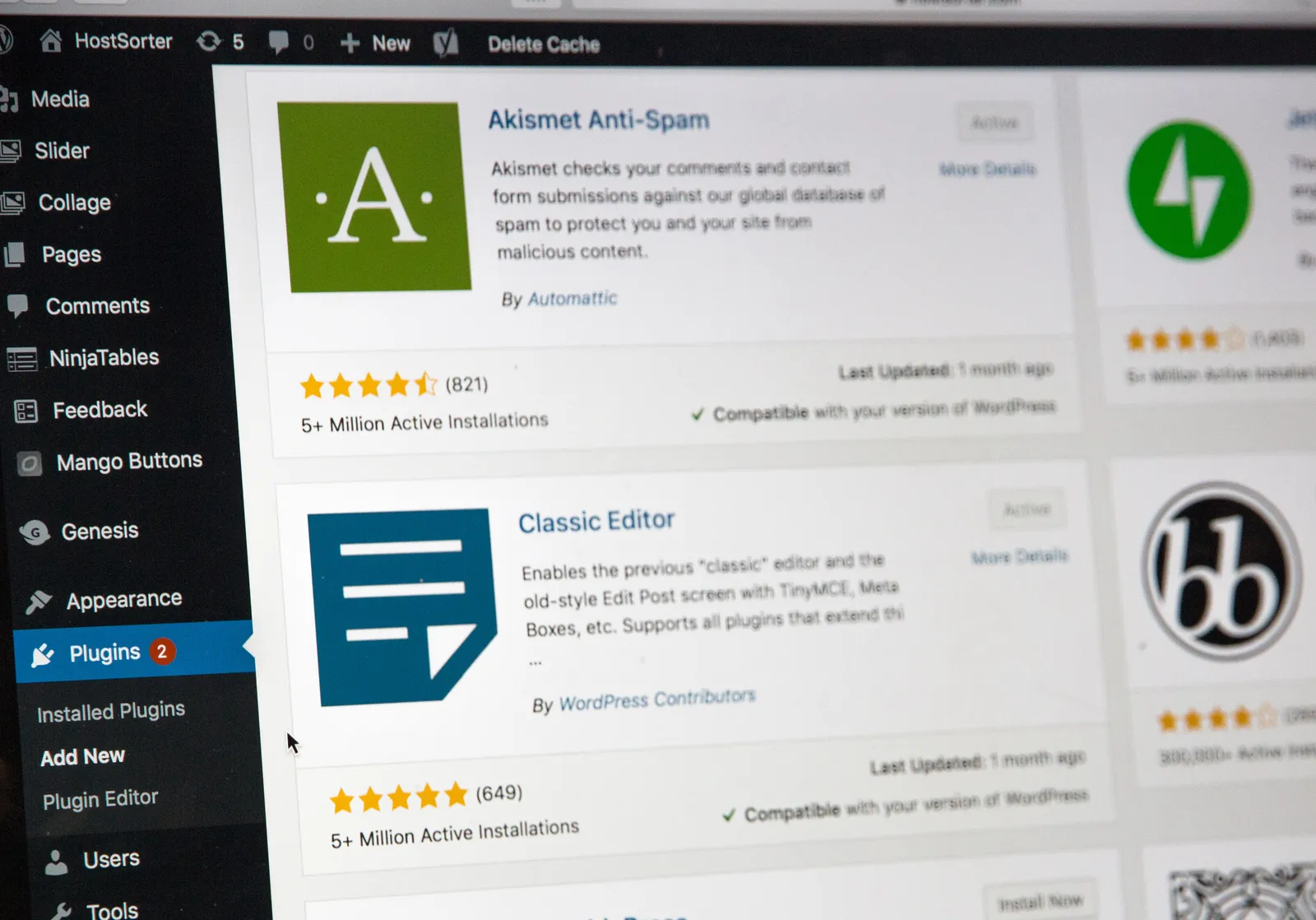
On WordPress, multipurpose themes and page builders often load code for features you never use, on every page. Each plugin can add its own scripts and styles too, and some load them site-wide even when they're only needed on one page.
Use a lean theme, keep plugins to the ones that earn their place and delete anything inactive. Watch for overlapping plugins, such as two that both handle forms, sliders or caching.
Our WordPress service starts with a diagnosis to find the real bottleneck before quoting or changing anything. Sometimes it's one plugin. Sometimes the theme is the problem and a repair won't get you far.
Hosting and caching
Cheap shared hosting can make the server slow to respond before the page even starts loading. Signs include slow loads even on simple pages, and a slow server response or time to first byte in testing tools.
Three things usually fix it: hosting with enough resources for your site, page caching so the server doesn't rebuild every page for every visitor, and a content delivery network that serves files from a location closer to the visitor. An outdated PHP version on WordPress can also slow things down and is usually a simple update for your host.
Our WordPress plans include $75/mo managed hosting with updates and backups. Drag-and-drop and custom AI-built sites we build are hosted in the Savvy Sales System, so there's no separate hosting to manage.
Fonts
Loading several font families, each in many weights, adds requests and can delay text from appearing. On a slow connection, visitors can stare at a blank space where your headline should be.
- Use one or two font families
- Load only the weights you actually use
- Use the WOFF2 format
- Make sure text stays visible while fonts load, using a fallback font
- Consider hosting fonts on your own server instead of loading them from another service
Sliders, video backgrounds and heavy animation
Homepage sliders and autoplay background videos are heavy and rarely help conversions. They also push your actual message and phone number further down on a phone.
Animations that hide content until they play can delay the main content and can hide text from search engines and AI crawlers. Vercel reported that several AI crawlers, including GPTBot, ClaudeBot and PerplexityBot, don't execute JavaScript. If your text only appears after a script runs, those crawlers may not see it.
Show the content immediately, use one strong photo instead of a slider and use motion sparingly. We cover this and other common problems in our web design mistakes guide.
Layout shift: the page that jumps
You go to tap a button, the page shifts and you hit something else. That's layout shift, and Google measures it as Cumulative Layout Shift. It's frustrating on a phone and easy to cause by accident.
- Images and videos without a set width and height
- Cookie banners, promo bars or chat bubbles that push content down after loading
- Embedded maps, reviews or social feeds that load late with no reserved space
- Web fonts that swap in at a very different size from the fallback font
How to test your site
Fix the biggest problem first. Shrinking a few oversized images often helps more than hours of fine-tuning. Test your homepage, your top service page and your contact or booking page, since those matter most.
- Run key pages through Google's PageSpeed Insights, which shows real-visitor data when it's available and a lab test
- Check the Core Web Vitals report in Google Search Console to see which groups of pages need work
- Test on an actual phone on a cellular connection, not just your office Wi-Fi
- Note your results before you change anything
- Retest after every change so you know what actually helped
A worked example: a slow contractor homepage
Say you run a roofing company in Mooresville. Your WordPress homepage has a three-image slider of full-size phone photos, a chat widget, a review feed, two tracking pixels and a page builder theme with a dozen plugins. PageSpeed Insights shows a poor Largest Contentful Paint on mobile, and the layout jumps when the review feed loads.
Here's the order we'd work in. Replace the slider with one resized WebP photo that loads first. Remove the pixel nobody checks and delay the chat widget until after the main content. Reserve space for the review feed so it stops pushing the page down. Delete inactive plugins and check whether the host has page caching turned on. Retest after each step.
If the theme itself is the bottleneck after those fixes, that's when a rebuild conversation makes sense. Our contractor websites page shows how we lay out pages for trades businesses.
Repair or rebuild, and what to ask
A repair makes sense when the site is basically sound and a few specific problems are slowing it down. A rebuild makes sense when the theme, builder or platform is the problem, or when the site also has bigger issues with content, design or mobile layout.
For context, our WordPress builds start at $2,800 for five pages, and drag-and-drop sites start at $1,500. Our instant estimate gives you a range, monthly cost and timeline in about two minutes. With WordPress repair, rebuild or ongoing support, you keep your hosting, domain, content and logins. Whoever you hire, ask:
- How will you measure speed before and after, and on which pages?
- Will you test on a real phone and in PageSpeed Insights?
- What will you remove, and will any features change?
- Who owns the hosting, domain and logins when you're done?
- What happens to speed as we add pages, plugins or scripts later?
Common questions
How fast should a small business website load?
Aim for the main content to appear within 2.5 seconds on a phone, measured at the 75th percentile of visits. That's Google's threshold for a good Largest Contentful Paint. The page should also respond to taps in under 200 milliseconds and not jump around while loading.
Does website speed affect Google rankings?
Google says Core Web Vitals are used by its ranking systems, though relevant, helpful content matters more. Speed also affects whether visitors stay long enough to call or book. A fast site supports good content; it doesn't replace it.
Will a new website automatically be faster?
Not automatically. A new site can be just as slow if it uses a heavy theme, large images and many scripts. Ask how speed will be tested before launch and on which pages.
Why is my PageSpeed score different every time I test?
The lab test in PageSpeed Insights runs a simulated load, and results vary with network and server conditions at that moment. The real-visitor data, when available, is a better guide because it reflects actual visits over time. Focus on trends and on the Core Web Vitals thresholds rather than a single score.
Can a plugin fix my slow WordPress site?
A caching or image optimization plugin can help, but it can't fix a heavy theme, slow hosting or too many third-party scripts. Adding plugins to fix plugin problems often makes things worse. Find the real bottleneck first, then choose the fix.
Do chat widgets and tracking pixels really slow a site down?
They can, especially on phones. Each one adds code that has to download and run, which can delay the page's response to taps. Keep the ones you use and load them after the main content.
The takeaway
Shrink and modernize images, cut unused scripts and plugins, use decent hosting with caching, load fonts sensibly and drop heavy sliders and video. Then measure with PageSpeed Insights, Search Console and a real phone, and retest after every change. Want us to find what's slowing your site? Request a free website review. Steven reads every message and replies personally, or see how we build fast sites on our web design service page.